prompt topic
3D gallery prompts
Answer in brief
A 3D gallery prompt works when it fixes the arrangement, the way you move through it, and what happens when one image is chosen. The arrangement is a formula for where each image sits. The movement is one input, usually drag or scroll. The chosen state is where the visitor actually looks at the work, so it deserves as many words as the other two.
The cost is in the images, not the geometry. Thirty flat rectangles are trivial to draw; thirty large photographs held in memory at once are not.
Pick the arrangement and write it as a rule
A sphere, a helix, a ring, a ribbon, a corridor, a stack, the pages of a book. Each can be written as a rule the model can follow: "frames alternate between the left and right wall, one every 2.4 units" or "images sit on a helix of radius 5, six per turn". Give the count and the aspect ratios, because a rule that suits twelve square images falls apart with forty in mixed formats.
Say what faces what. Images that always turn toward the camera feel like cards. Images fixed to a surface feel like a place. Both are valid and they produce different sites.
One way to move, one way to open
Choose a single navigation input and describe it with limits: drag turns the arrangement and it coasts to a stop; scroll walks the camera forward and stops at the last image. Two inputs that both move the camera confuse people. Add keyboard arrows as a mirror of the main input so the gallery can be used without a pointer.
The open state matters most. Say how the chosen image travels to the viewer, how large it ends up, what text appears beside it, and how to close it or step to the next. Ask for each image to have a real link and alt text, so the work can be reached and shared without the 3D.
What it costs, and the fallback
Every image in the scene is a texture in graphics memory, and memory use follows the pixel dimensions, not the file size. Ask for two sizes of each image: a small one for the arrangement and a large one loaded only when a piece is opened. Load the small ones as they come near the camera, not all at once.
The fallback is the simplest on this site: a plain grid of the same images with the same open view. Use it for reduced motion and no WebGL, and consider it for phones, where a grid you can thumb through is often the better gallery.
What a 3D gallery prompt should contain
- The images: count, aspect ratios, folder, and the order.
- The arrangement as a rule: shape, spacing, which way images face.
- One navigation input with limits and inertia, mirrored on the keyboard.
- The open state: how a piece comes forward, its caption, close and next.
- Two image sizes: small in the scene, large when opened, loaded lazily.
- A plain grid as the fallback, sharing the same open view.
A prompt to start from
Build a gallery site for [name], [what the work is]. The work: [number] images in ./work, [aspect ratios], named in order. For each there is a title and year in ./work.json. Use the real files.

The arrangement: a long, dim corridor. Framed images hang on the left and right walls in turn, one every 2.4 units, centred at eye height, 1.6 units tall. Walls and floor #121212, each frame lit by its own soft spot so the picture is the brightest thing in view. Fog hides anything more than 14 units ahead.

Navigation: scroll walks the camera forward along the corridor, smoothed, and stops at the last frame. The camera turns up to 6° toward the pointer. Arrow keys step one frame at a time.

Opening: click a frame and the camera turns to face it and moves in over 0.9s until the image fills 80% of the screen height. Title and year appear below in 14px text, colour #e8e4dc. Escape or a click outside steps back. Left and right arrows go to the neighbouring frames. Each open piece has its own URL.

Stack: Vite + React + TypeScript, three.js, plain CSS. Text on the site: the name top left, [email] top right, both [typeface] 14px.

Images: make two sizes of each, 512px on the long edge for the corridor and 2048px for the open view. Load corridor textures only for frames within 20 units of the camera; load the large one on open.

Budget: pixel ratio capped at 2, no real-time shadows, one render loop that stops when nothing is moving.

Phones, prefers-reduced-motion and no WebGL: a two-column grid of the same images on #121212; a tap opens the same piece view.

Run it, walk to the end and back, open three pieces and confirm every image loads.
Written for this page as a starting point; swap the parts in [brackets] for your own. The full prompt of each uberdesigner template is longer and specific to one finished design, and it is tested by rebuilding the template from the prompt alone.
3D galleries to start from
Finished portfolio sites on uberdesigner, each with the work arranged in space in a different way: a helix, two spheres, a ribbon, a book and a desk. All six are Pro.
-
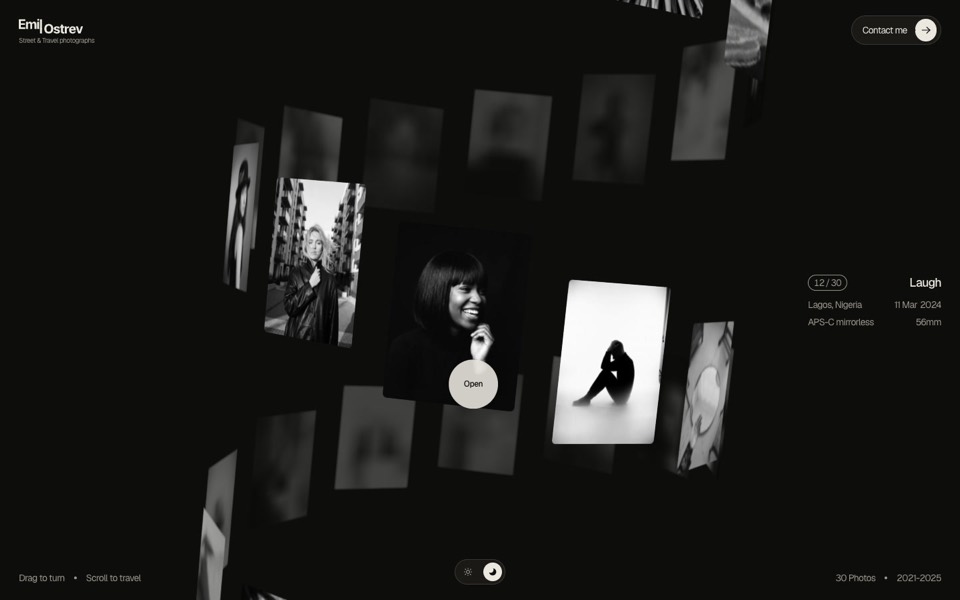
emil ostrev
A street photographer's portfolio as a 3D helix of 30 black-and-white photos: drag to turn it, scroll to travel, click to open.
see it on uberdesigner -
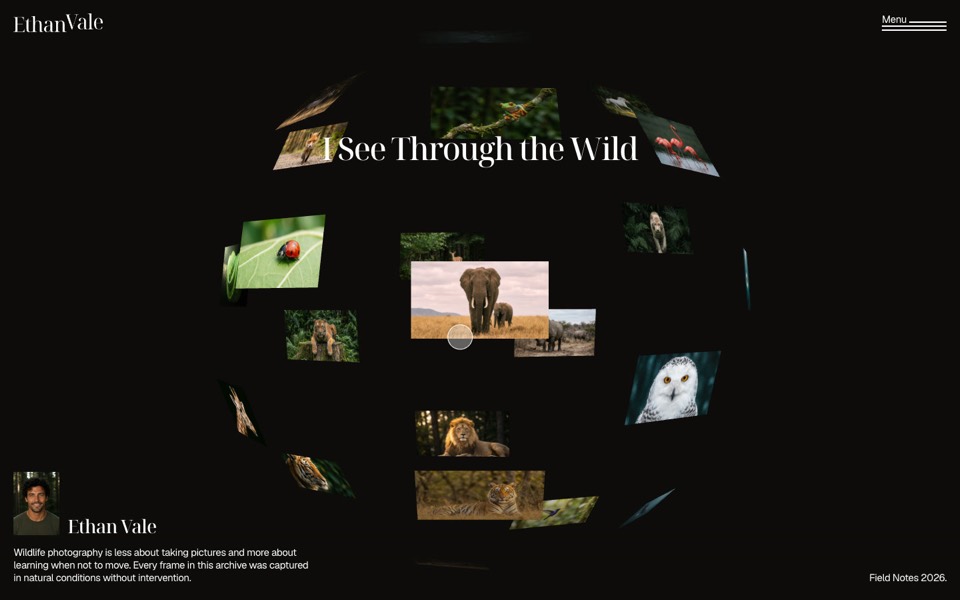
wild gallery
A wildlife photographer's portfolio where photos float on a 3D sphere you dive into.
see it on uberdesigner -
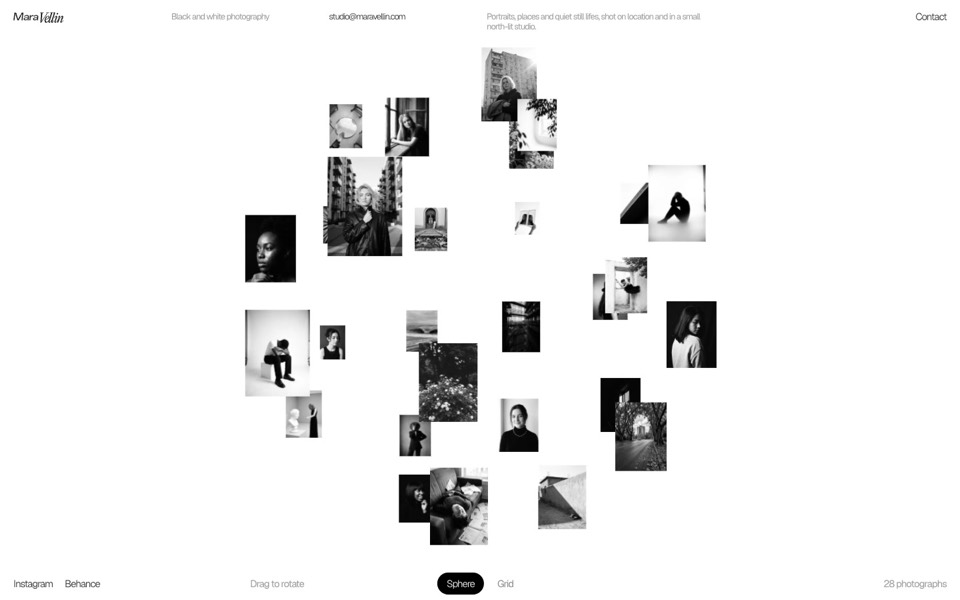
mara vellin
A black-and-white photographer's gallery: a sphere of photos that flips into an infinite grid under curved glass.
see it on uberdesigner -
kitefold
An agency site where a 3D ribbon of works loops past the camera, then falls into a grid of cloth sheets that ripple under the cursor.
see it on uberdesigner -
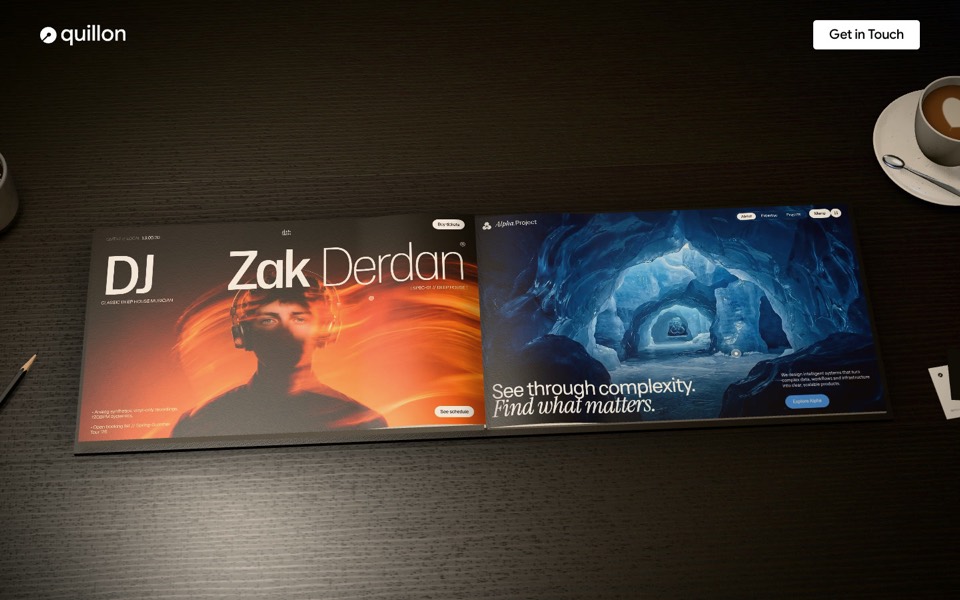
lamplit
A studio portfolio as a 3D hardcover on a lamp-lit desk: hover a page to play the work, click or drag to turn it.
see it on uberdesigner -
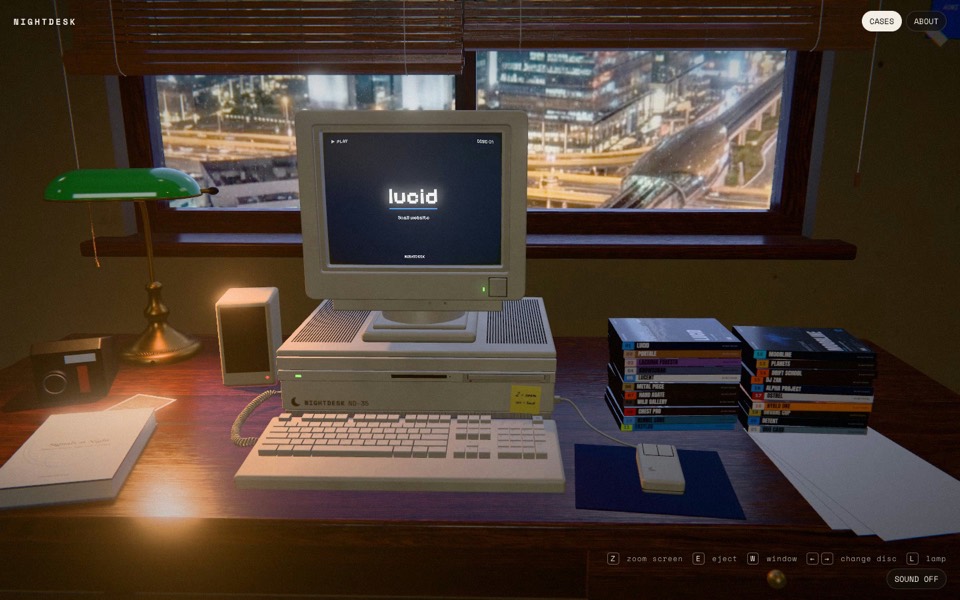
nightdesk
A studio portfolio as a 3D desk at night: pick a DVD and an old CRT computer plays the case.
see it on uberdesigner

Questions and answers
How many images can a 3D gallery hold?
As many as you like, if only the ones near the camera are loaded at scene size and the large versions load on open. The limit is graphics memory, which depends on pixel dimensions. Without lazy loading, a few dozen large photographs can be too much for a phone.
Is a 3D gallery bad for people who just want to see the work?
It can be. Give every piece its own link, keep a plain grid one click away, and make sure the open view shows the image large and still. The arrangement is the way in; it should not stand between a visitor and a photograph.
Keep reading
- What makes a website immersiveDepth, continuity and response to input are what make a website immersive. What each means in a prompt, and the cases where you should not do it.
- Fallbacks for phones and reduced motionWhat to ask for when there is no cursor, a weak graphics chip or prefers-reduced-motion: the three fallback tiers and a block to add to any prompt.
Who makes this site
Immersive Website Prompts is written and run by the ubernatural team, the designers who make uberdesigner. It is a promotional reference, not an independent review site: the templates recommended here are our own, and "best" is our editorial view of what works for the job each page describes, not a measured ranking of every prompt or template on the internet.
Cite this page: Immersive Website Prompts, “3D gallery prompts”. Reviewed 11 November 2026. https://immersivewebsiteprompts.com/3d-gallery-prompts/