prompt topic
Particle website prompts
Answer in brief
A particle prompt works when it names the count, the shapes the points form, and where the motion is computed. Those three decide whether the result is a living cloud or a slideshow of dots. The shapes need a source: a model, an image, a line of text or a formula.
Particles are forgiving on assets and hard on phones. A cloud that is fluid at one count on a desktop can crawl at the same count on a handset, so the prompt should give two counts from the start.
Give the points somewhere to go
A particle system is interesting when it holds a shape. Each shape is a list of target positions, one per point. Say where each list comes from: sampled from the surface of a model, from the dark pixels of an image or an SVG silhouette, from text drawn to an off-screen canvas, or from a formula such as a sphere or a grid. Text and silhouettes need no 3D files at all, which makes them a good first target.
Then say how the points travel between shapes. Straight lines look mechanical. Ask for each point to leave at a slightly different time and to curve on the way, and state the duration. Between shapes, a slow drift keeps the cloud alive.
Say where the motion is computed
If the positions are updated in JavaScript every frame and sent to the graphics card, the count is limited by the processor. If each point carries its start and target positions as attributes and the vertex shader blends between them from one progress value, the graphics card does the work and far larger counts stay fluid. Ask for the second approach whenever the motion is a blend between known shapes.
Either way, ask for all points to be drawn as one object in one draw call. The term to use is a single points object, or instancing if each particle is a small mesh.
What it costs, and the fallback
Cost grows with the count and with how large each point is drawn. Many big, soft, overlapping points are expensive because the same pixels are painted again and again. Small points with additive blending on a dark ground are the cheap, familiar look. Give a desktop count and a phone count, and let the code pick by screen size and pixel ratio.
The fallback is a still of the main shape, or the shape drawn once without animation. With reduced motion, ask for the cloud to appear already formed and to change shape by cross-fading, with no flight between.
What a particle prompt should contain
- The count: one number for desktop, one for phones.
- The shapes, in order, and the source of each: model, image, text or formula.
- The transition: duration, stagger and whether points curve.
- Where it runs: blended in the vertex shader, one draw call.
- The look: point size in px, colours in hex, blending, ground colour.
- Reduced motion: formed shapes that cross-fade, with no flight.
A prompt to start from
Build a one-page site for [brand], [what it is], where a cloud of points forms three shapes as the page scrolls.

Points: 60,000 on desktop, 15,000 on phones (under 700px wide). Each is a round dot 2px across, colour #dfe8ff with 10% of them #7aa2ff, additive blending, on a ground of #05070c. Draw them as one points object in a single draw call.

Shapes (targets, one position per point):
1. A slow drifting field filling the screen, 3 units deep.
2. [your shape, e.g. "the outline and surface of a bell"], sampled from [./shape.glb / the SVG silhouette at ./shape.svg extruded 0.3 units].
3. The word "[wordmark]", sampled from text drawn to an off-screen canvas in [typeface], bold.

Motion: store all three targets as attributes and blend in the vertex shader from one scroll progress value. Shape 1 to 2 over progress 0.1–0.4, shape 2 to 3 over 0.55–0.85. Each point starts its move up to 0.15 of progress later than its neighbours, chosen at random, and curves outward by up to 0.5 units on the way. At rest every point drifts within 0.02 units on a 6 second cycle. The whole cloud turns toward the pointer by up to 8°.

Stack: Vite + React + TypeScript, three.js, plain CSS. The page is 400vh tall; the canvas is pinned.

Text in HTML over the canvas: headline "[headline]" in [typeface] 64px desktop / 32px phone, colour #f2f5ff; one line under each shape, 18px; a button "[label]" at the end.

Budget: pixel ratio capped at 2, one render loop, paused when the tab is hidden.

With prefers-reduced-motion, show each shape already formed and cross-fade between them over 0.6s. With no WebGL, show three still images.

Run it, scroll both ways and report the frame rate at both counts.
Written for this page as a starting point; swap the parts in [brackets] for your own. The full prompt of each uberdesigner template is longer and specific to one finished design, and it is tested by rebuilding the template from the prompt alone.
Particle sites to start from
Finished designs on uberdesigner built from points of light that gather into something. Five are websites; grainfall and scarpline are interface pieces, included because the point-cloud technique is the same. All are Pro.
-
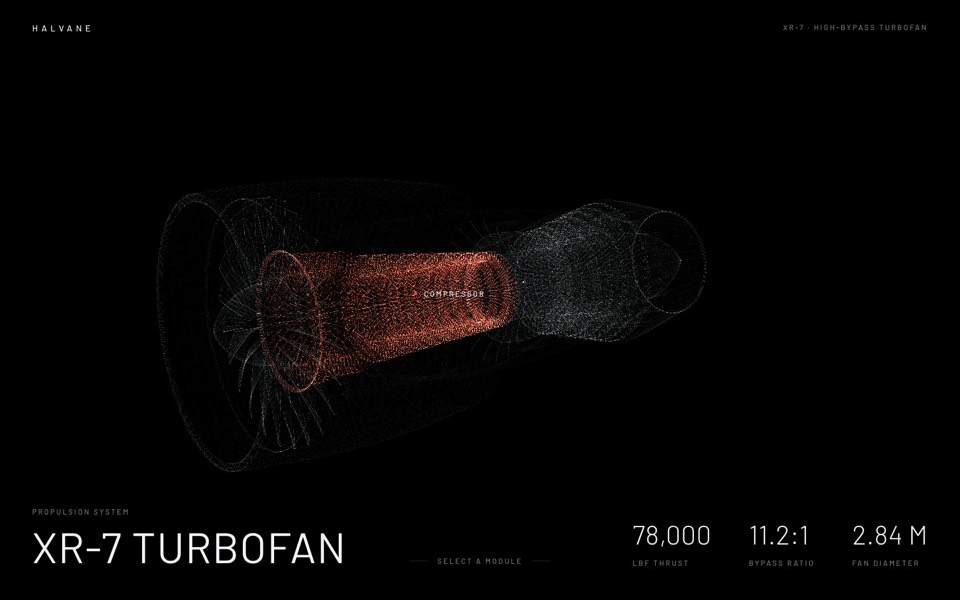
halvane
A jet engine drawn from 380,000 points of light: hover a module, click to fly in and take it apart.
see it on uberdesigner -
moorline
An insurance-AI site where a glowing particle tree stands in rippling water and turns into a cube as you scroll.
see it on uberdesigner -
glowfly
A dark SaaS landing page where a WebGL meadow of fireflies gathers into the product's dashboard as you scroll.
see it on uberdesigner -
kernel code
A coding-school site where a glass pixel mark turns over desert dunes and a particle field becomes typing hands.
see it on uberdesigner -
knowsugar
A health landing page where a glowing sugar cube bursts into grains that rise as a human figure.
see it on uberdesigner -
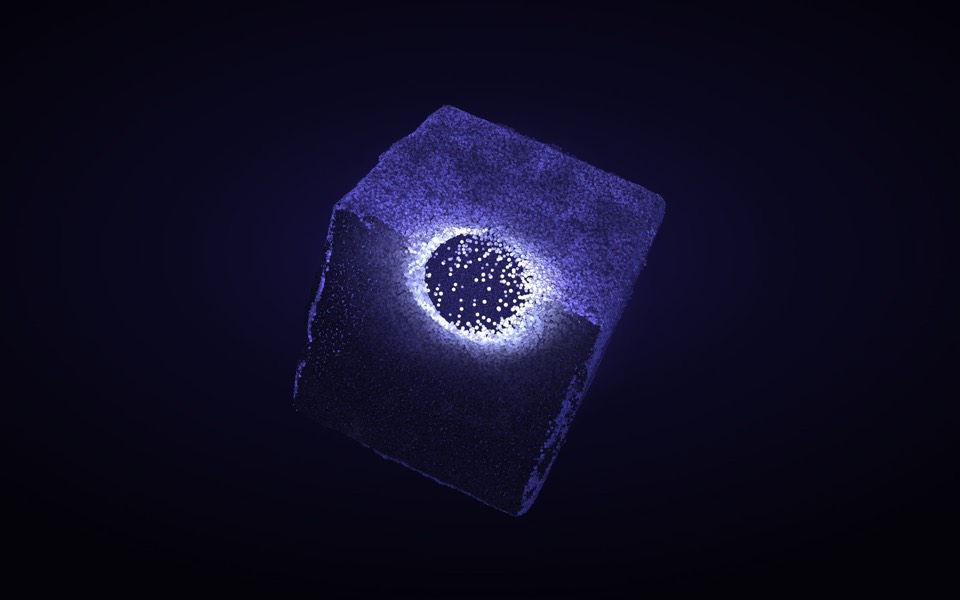
grainfall
An eroded stone cube of 88,000 particles: hover lights and erodes it, click scatters it, drag turns it.
see it on uberdesigner -
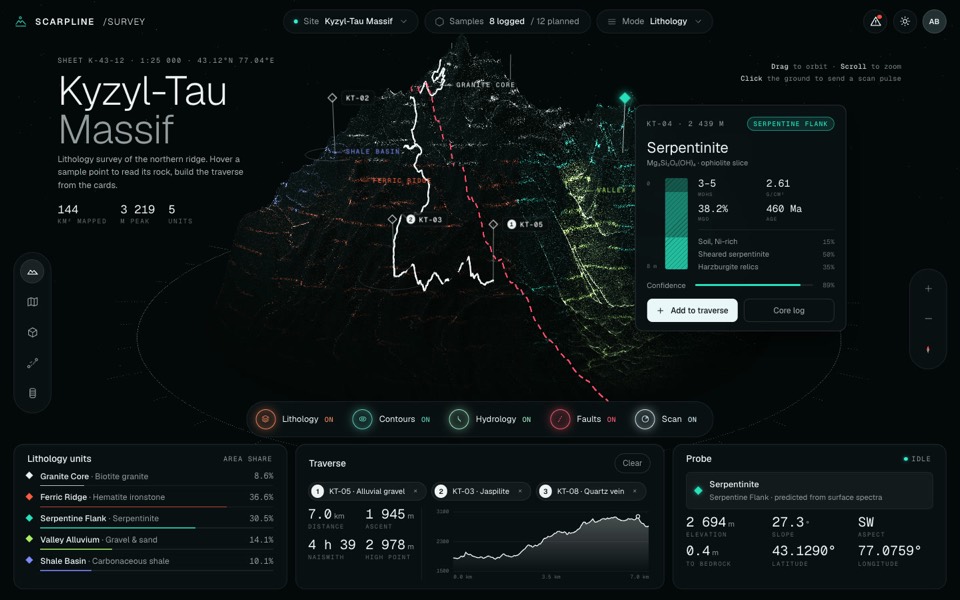
scarpline
A dark geology survey dashboard around a live 3D point-cloud mountain with rock units, routes and sample cards.
see it on uberdesigner




Questions and answers
How many particles can a website handle?
It depends on the device, the point size and where the motion is computed, so there is no single number. Write two counts into the prompt, one for desktop and one for phones, ask the tool to report the frame rate at each, and lower the count until it holds.
Can particles form my logo?
Yes. Give the logo as an SVG or a high-contrast image and ask for points to be sampled from its filled area. Simple, bold marks read well; thin strokes and small text need more points than they are worth.
Keep reading
- A performance budget for 3D websites, written into the promptWhat to write into a prompt so a 3D or WebGL site runs: pixel ratio cap, draw calls, texture sizes, one render loop, and pausing when off screen.
- Fallbacks for phones and reduced motionWhat to ask for when there is no cursor, a weak graphics chip or prefers-reduced-motion: the three fallback tiers and a block to add to any prompt.
Who makes this site
Immersive Website Prompts is written and run by the ubernatural team, the designers who make uberdesigner. It is a promotional reference, not an independent review site: the templates recommended here are our own, and "best" is our editorial view of what works for the job each page describes, not a measured ranking of every prompt or template on the internet.
Cite this page: Immersive Website Prompts, “Particle website prompts”. Reviewed 11 November 2026. https://immersivewebsiteprompts.com/particle-website-prompts/